
Parent Funded Devices: A Smarter Path to 1:1 Apple in Your School
As an educator, you know the challenge: you want every student to have access to the right technology, but school budgets don’t always stretch far enough to make 1:1 programs a reality. That gap is exactly where Parent Funded Devices (PFD) programs come in — and they’re worth understanding. What exactly is a Parent Funded […]
Apple Devices Are a Smart Investment for Education

When school and district leaders sit down to make technology decisions, the conversation usually starts in the same place: budget. How much does it cost upfront? What fits the current cycle? What can we approve this year? That is a reasonable starting point. But it is not the whole picture. The real question is not […]
Apple Professional Learning: The Complete Guide for Canadian Educators
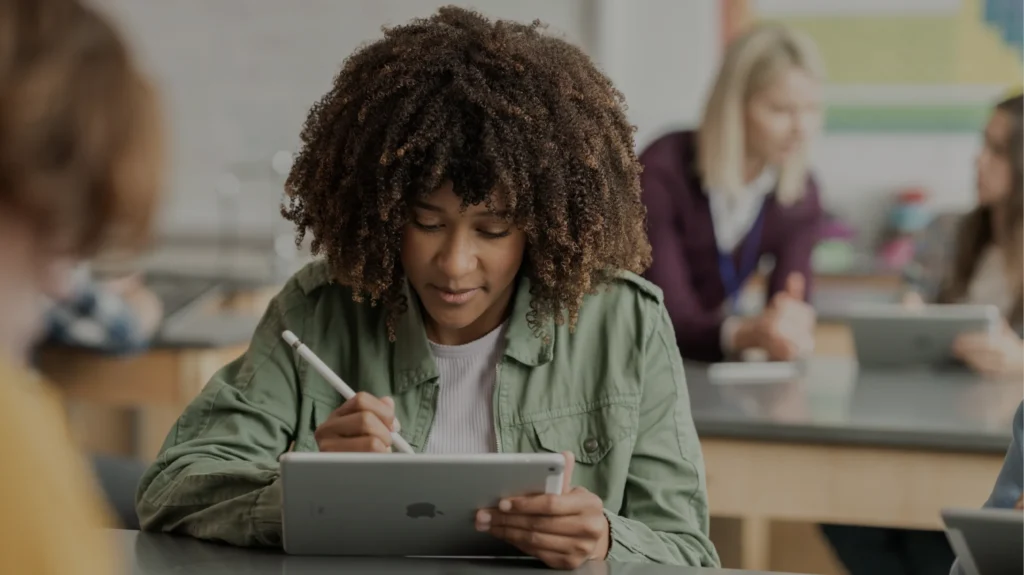
Apple doesn’t just sell devices to schools. It invests in the people who use them. Behind every iPad deployment and every MacBook rollout, there’s an entire ecosystem of professional development structured programs, specialist support, and recognition pathways designed for educators who want to do more with technology than just turn it on. Most of these […]
Read Books in the Books App on iPad
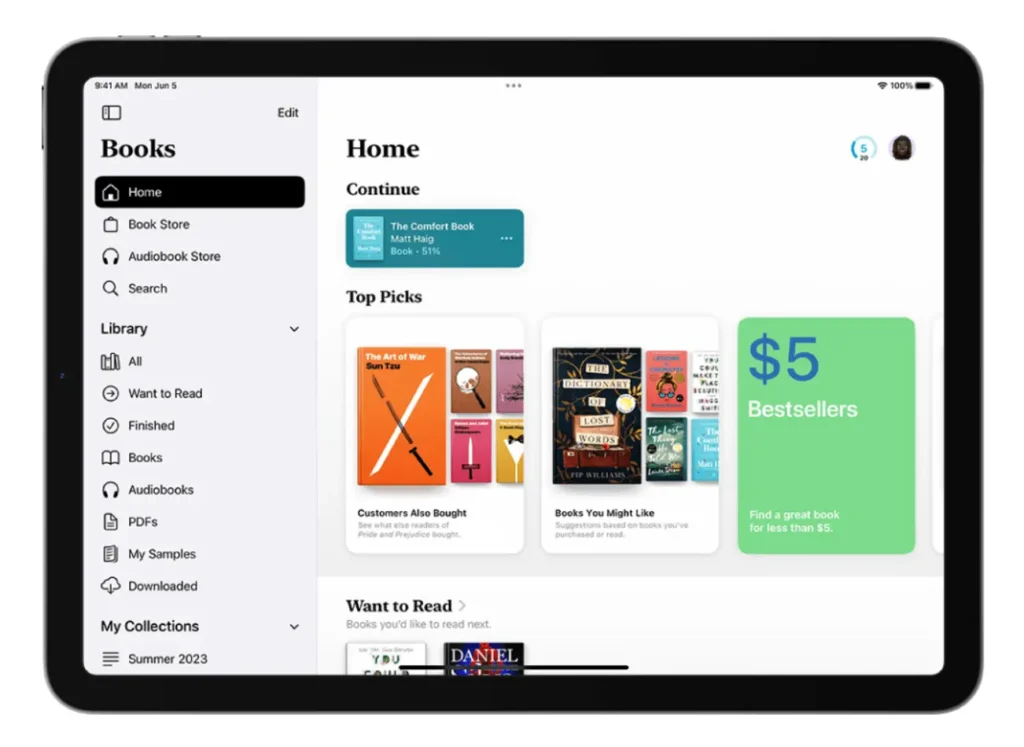
The Books app on iPad revolutionizes how students engage with reading materials, offering powerful tools for personalized learning and enhanced accessibility. This comprehensive guide empowers educators to leverage the full potential of iPad’s Books app, creating inclusive reading environments that support diverse learning needs while fostering digital literacy skills essential for 21st-century learners. Getting Started: […]
Live Captions on iPad

Live Captions is a powerful accessibility feature that provides real-time transcription of spoken audio on iPad. This technology transforms spoken words into text instantly, making educational content more accessible and inclusive for all students. Who Benefits from Live Captions? Students who are deaf or hard of hearing Students with auditory processing differences English language learners […]
How iPad Assistive Access Transforms Special Education and Inclusive Learning
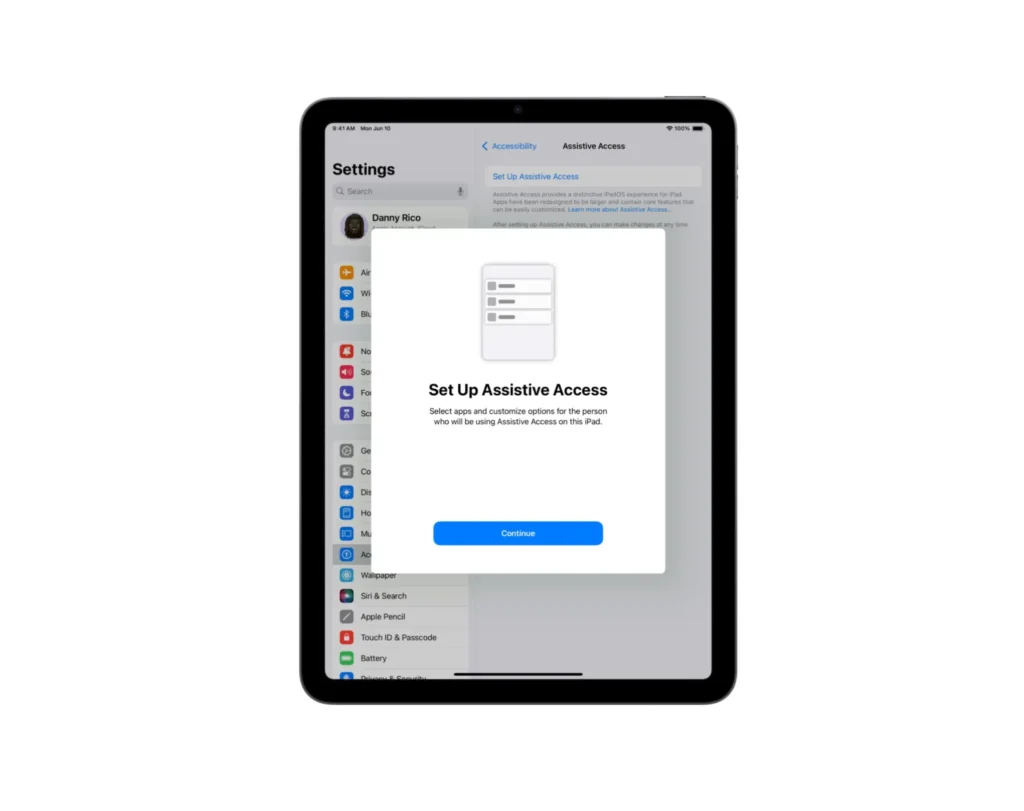
Every educator knows the challenge: creating an inclusive classroom where students with diverse learning needs can thrive. From managing overwhelming interfaces to supporting students with cognitive disabilities, teachers often struggle to find technology solutions that truly work for all learners. Apple’s iPad Assistive Access feature represents a breakthrough in educational accessibility, offering educators a powerful […]
The Educator’s Guide to Using iPad in the Classroom

The educational landscape has undergone a dramatic transformation with the integration of technology into learning environments. Among the most impactful innovations, iPad in the classroom have emerged as powerful tools that revolutionize how educators teach and students learn. This comprehensive guide explores the practical applications, benefits, and strategies for successfully implementing iPad technology in educational […]
The 10 Best Apps for Educators: Transform Math Learning in Your Classroom

Modern classrooms are evolving rapidly, and technology has become an essential tool for educators seeking to engage students in meaningful learning experiences. When it comes to mathematics education, the right digital tools can transform abstract concepts into interactive, visual experiences that resonate with today’s learners. This comprehensive guide explores the 10 best apps for educators […]
How to Remove Ads in Safari: A Comprehensive Guide for Vancouver Educators

For educators in Vancouver using Apple devices, knowing how to remove ads in Safari is an essential skill. Not only does ad removal create a cleaner, more focused browsing experience, but it also helps protect students from inappropriate content and potential security risks. This comprehensive guide will walk you through effective methods to remove ads […]
How to Transform Your Teaching with iPad and MacBook Integration: A Complete Guide for Educators

For teachers using Apple devices, there’s a powerful, often underused combination that can transform your teaching workflow: the integration of iPad with MacBook. Whether you’re teaching in-person, hybrid, or remotely, combining these two devices opens up a world of possibilities to boost productivity, improve lesson delivery, and enhance student engagement. Let’s explore how. Why Integrate […]
